






Divinity - Original Sin 2 - Gameplay Journal - Part 14
November 04, 2021 by RSS Feed
When I last touched Divinity - Original Sin 2, I thought I was done with my seafaring shenanigans aboard the Lady Vengeance. I was away from Fort Joy on course for Driftwood, but my journey got interrupted. This entry deals head on with this interruption, as the magisters intercepted me and wanted to bring me down.
As it turns out, the magisters came prepared. This combat encounter documented in the first video of this post is definitely the most challenging Divinity - Original Sin 2 has been to date, to the point that I failed it a couple of times before devising a strategy that allowed me to protect the NPC tasked with devising a magical escape from the fight. This is to say the fight is designed not with victory in mind, but rather one that tasks you to hold out for long enough before being whisked away further into the story. Had it been a more straightforward fight I probably would have had an easier time with it.
In any case, the events that follow that fight up the stakes of your adventure in Divinity - Original Sin 2. In retreating to the realm of the gods to flee the magisters, you learn that the gods have been slain and are under threat from the void, and that only you have the power to stop it. Exciting stuff! It's very much cliche video game protagonist stuff, but delivered in a novel way, as you can choose to accept this task or not.
From there, I got ripped back to reality aboard the Lady Vengeance where we find ourselves safely removed from combat with the magisters. There was a lot to catch up on with my party members and the other characters aboard the ship before disembarking for Driftwood, the first impressions of which I'll be saving for the next gameplay journal.
From a gameplay perspective, Divinity - Original Sin 2 still seems fine though a bit overly clunky. I made some combat maneuvers by mistake in my fights with the magisters that should have been avoidable and spent some time trying and failing to use identifying glasses on some of my accumulated gear. None of this is ultimately a huge deal since the game is turn-based and you can save at any point, but it should all just feel easier, especially after so much time with the game. It doesn't, but I guess that's part of the compromise that comes with bringing an "uncompromised" experience to iOS.
I'll keep playing, and will likely have another entry soon, since Driftwood finally seems within reach. We'll find out together in the next entry!
View all of our other Gameplay Journal entries here.
Source link:https://www.148apps.com/news/divinity-original-sin-2-gameplay-journal-part-14/
credit : 148apps


Here's what you need to know about Townscaper on iOS
November 04, 2021 by RSS Feed
The chill town-building experience Townscaper has finally come to mobile after finding success on PC and console. If you haven't come across gifs or video of it in action, the idea is quite simple. In it, you simply tap around on a body of water to make algorithmically-generated town pieces pop into existence.
Initial taps make a road or walkway pop up, but tapping that roadway makes a house, and then a tower. At any point you can tap elsewhere to begin making new areas to work with, and if they are close enough together they'll pop together and transform into a cohesive whole.
There are no stated goals, objectives, or even a story to follow along. It's just you and your creativity collaborating with a tool that works to make sure everything you construct looks like it belongs together. To further customize your creations, you can change the color scheme you're working in at will, adjust the colors of already-placed items with a quick tap and hold, use lighting tools to dramatically light your towns, and a few different ways to save and share your creations easily.
Despite all of these tools, it makes perfect sense for Oskar Stålberg, the creator of Townscaper, to describe it as more of a toy than a game. Playing it feels way more akin to doodling around or any other relatively open creative exercise as opposed to playing something that challenges you to reach or work toward a specific end state or goal.
In case you're not sure the degree to which this sounds like it's for you or not, check out the footage capture in the video above to get a sense of how it plays and controls on iPad and iPhone. Both captures are from an initial boot of Townscaper so you can see just how much the game just dumps you into the creation process and relies on its own ease of use and intuitive design to let you figure it out.
The experience on both devices feels great, with the iPad giving you a nice, wide view and lots of room to tap accurately without having to do much pinching to zoom, while the iPhone version has a super convenient portrait mode layout that lets you build one-handed or on-the-go really easily.
The only minor bummer is that Townscaper doesn't seamlessly sync your creations across devices. There is a way to export and import projects with auto-generated code that you can copy to or read from your device's clipboard, but it would be nice to be able to start an idea on my tablet and simply pick up where I left off on my phone without having to actively ensure I've copied the right text string.
Townscaper is available for $4.99 and I think folks that want a fun art toy can get more than their money's worth out of it. If you're not sure that's you, I'd personally recommend checking out Stålberg's previous mobile release, Bad North: Jotunn Edition which has some aesthetic similarities to Townscaper while also being one of the best real time strategy games on mobile.
Source link:https://www.148apps.com/news/heres-what-you-need-to-know-about-townscaper-on-ios/
credit : 148apps
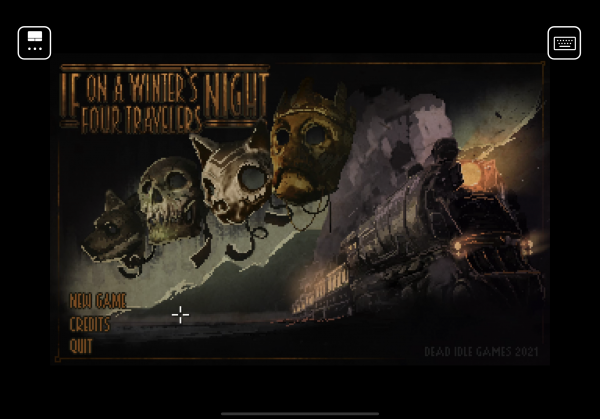
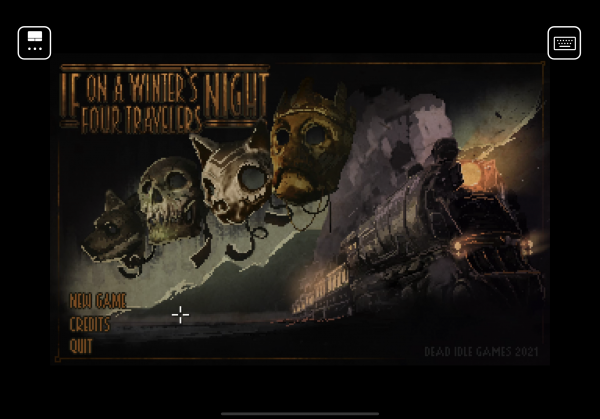
Steam Link Spotlight - If On a Winter's Night, Four Travelers
November 04, 2021 by RSS Feed
Steam Link Spotlight is a feature where we look at PC games that play exceptionally well using the Steam Link app. Our last entry looked at Ambition - A Minuet in Power. Read about how it plays using Steam Link over here.
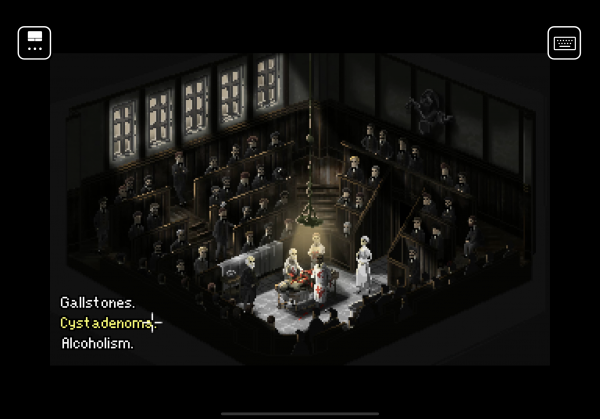
This entry focuses on something that might be good to play around Halloween time. If On a Winter's Night, Four Travelers is a dark and macabre point-and-click adventure game that can make your skin crawl. Although it may not look that way at first, this pixel art experience is incredibly detailed and evocative, especially when its vignettes take their dark turns.
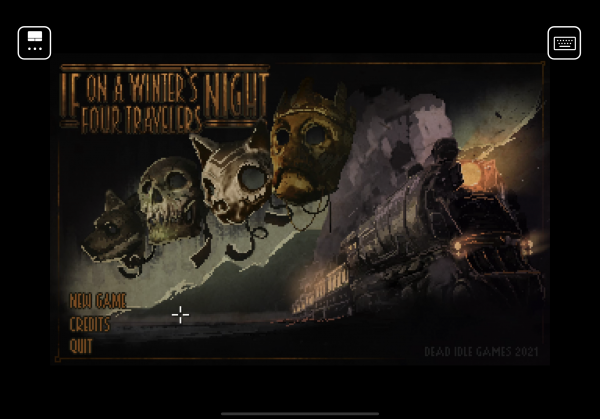
If On a Winter's Night, Four Travelers uses very conventional adventure game mechanics to tell its very unconventional story. The game opens with strangers conversing on a train, and over the course of their conversations you are transported into self-contained scenes that you pixel-hunt through using your on-screen cursor. For the most part, there aren't any complicated puzzles or item combinations, but you do have to pay attention to context clues from these scenes to activate the right points of interest to push things forward.
On mobile, all of this is extremely easy to manage using the touchpad control setup. This allows you to tap and drag on the screen to highlight items with the crosshair cursor, just like you might if you were playing the game using a laptop's touchpad. This feels totally natural and there's nothing in the game that requires you to have a higher or more complicated degree of control over the action. Obviously, if If On a Winter's Night, Four Travelers came to mobile, it would likely have a somewhat more streamlined control scheme, but the cursor maneuvering here is more than manageable.
As a bonus, this might be the most accessible entry in this series to date. Not only is the game easy and convenient to control, but If On a Winter's Night, Four Travelers is available on Steam completely for free, so make sure to grab it regardless of whether you plan to stream it to your iOS device or not.
If On a Winter's Night, Four Travelers was developed and published by Dead Idle Games. It launched on September 21, 2021 and is available on Steam for free.
Source link:https://www.148apps.com/news/steam-link-spotlight-if-on-a-winters-night-four-travelers/
credit : 148apps

How to find and defeat Queen Slime in Terraria
November 04, 2021 by RSS Feed
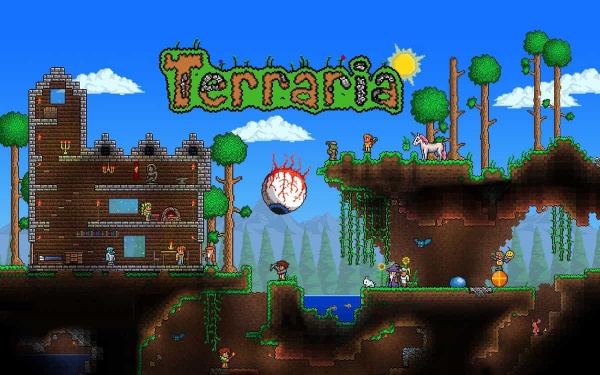
If it wasn’t for quirky bosses and action-packed boss battles, Terraria would have been rather meh. But, as you explore each region of the game, you come across enemies, bosses, and mini-bosses that keep things interesting.
Queen Slime, just like King Slime, is a completely optional boss. To get ahead in the game, you don’t have to fight her. However, you will get some precious drops if you defeat her.
How to Summon Queen Slime in Terraria
Summoning Queen Slime is not a tedious job. You can summon her in the Hallow by consuming a Gelatin Crystal. You can get this Gelatin Crystal on the Pink Ice Block or the Pearlstone in the underground Hallow area.

All you have to do is use this crystal at any time of the day and at any hour. But remember, you cannot summon the Queen outside of The Hallow.
How to Defeat Queen Slime
Defeating King Slime is rather easy but Queen Slime is smarter and tougher. She won’t keep bouncing in vain. She can teleport next to you and give you a nasty surprise.

Queen Slime can summon minions like Crystal Slimes, Heavenly Slimes, and Bouncy Slimes that come after you. After jumping up and down, she pauses for a few seconds and fires six Regal Gels. Instead of firing Gels, she might choose to stomp you into a pulp.
Considering all this, your best strategy would be to target Queen Slime, dodge her attacks, and slay the minions.
Best Weapons to Beat Queen Slime
To defeat Queen Slime, you can use a weapon like the Daedalus Stormbow paired with Holy Arrows. To move around quickly, try to get hold of some winged boots.
Distracting enemies will be easier if you place disconnected platforms. Finally, the Shield of Cthulhu will protect you against the Queen, but not her minions.
Best Armor for the battle with Queen Slime
As far as armor is concerned, you should go for the Palladium Armor. This is because the Slimes and Gels are likely to hit you. You might get stomped on. Palladium Armor has a Rapid Healing buff, which will be useful for reviving you.
Other than this, make sure you place random platforms all over the arena to jump and dodge across!
Source link:https://www.148apps.com/news/how-to-find-and-defeat-queen-slime-in-terraria/
credit : 148apps

Puzzles & Survival welcomes Halloween with a locust-themed event plus a gift code for in-game rewards
November 04, 2021 by RSS Feed

37GAMES has announced an exciting update to Puzzles & Survival, bringing a special in-game Locust Plague event in time for Halloween and a nifty gift code players can redeem for lots of in-game goodies this season.
In Puzzles & Survival's latest update, you'll have to brave the deadly swarms of mutant locusts plaguing the sanctuaries in order to save the earth. You will have to team up and form unlikely alliances to survive this catastrophe of Biblical proportions, fighting off the pests and the hordes of zombies at the same time.
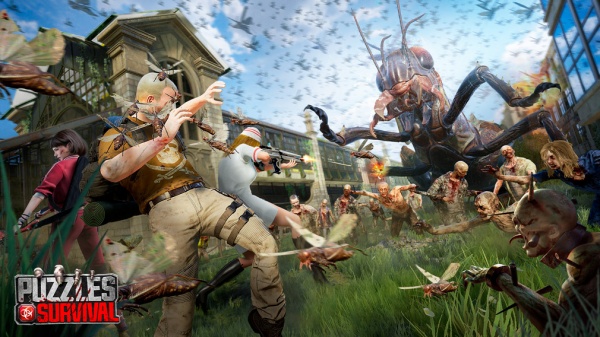
It's not all bad news, though - to help you make it through the plague unscathed, Puzzles & Survival is lending commanders a hand with the "pnslocust" gift code you can redeem for 200 diamonds, 3* Build speedup 10 min, 3* Training Speedup 10 min, 3* Research speedup 10 min, and 2,000 Antiserum. After all, commanders will need all the help they can get to survive the growing undead horde.
If you're ready to dive into the apocalyptic wasteland, you can join the 30 million who have already downloaded the game on the App Store or on Google Play. It's a free-to-play game with in-app purchases.
Source link:https://www.148apps.com/news/puzzles-and-survival-welcomes-halloween-with-a-locust-themed-event-plus-a-gift-code-for-in-game-rewards/
credit : 148apps

Follow Mid Atlantic Consulting


Subscribe Mid Atlantic Consulting







APP review today